SLOP UNIVERSITY / TRAINING GROUND
Online practice academy
Equivalent online activities for students unable to attend in person, plus preparation and revision between campus classes.
Your online practical environment.
Explore a room to see its equipment, then open its weekly lab for the actual task, instructions and saved attempts. Exploring the atrium does not complete a lab.
First visit: read the course guide and weekly briefing before opening a lab. Returning: choose any week; you do not need to unlock rooms.
Look around: click and drag the scene. In fullscreen, press X to lock the cursor for mouse-look; press X again to free it for controls. Get closer: scroll over the scene or use the zoom controls. The room and lab links remain available for direct navigation.
Scene guide · people, evidence and object placement
Who and what you are seeing
The academy is a teaching environment with specialist practice rooms.
- Your part
- The moving student avatar represents you. Inspect the scene and use the lesson controls to record and test your decisions.
- Your instructor
- Mara stands in the marked teaching bay outside the investigation area. She guides the exercise. Her presence, appearance and idle gestures are not clues about what happened in the case.
- People in this scenario
- You control the student. Dr Mara Voss is the teaching guide. Labelled council dossiers represent roles; their names identify who is speaking.
- What counts as evidence
- Use the objects, readings, documents and rules named by the current activity. Background furniture, the instructor and the student are not hidden clues.
- Why the objects are here
- A mechanism or circuit on a workbench is a training rig. A route grid or station diagram is a scale model; its published rules describe what it represents.
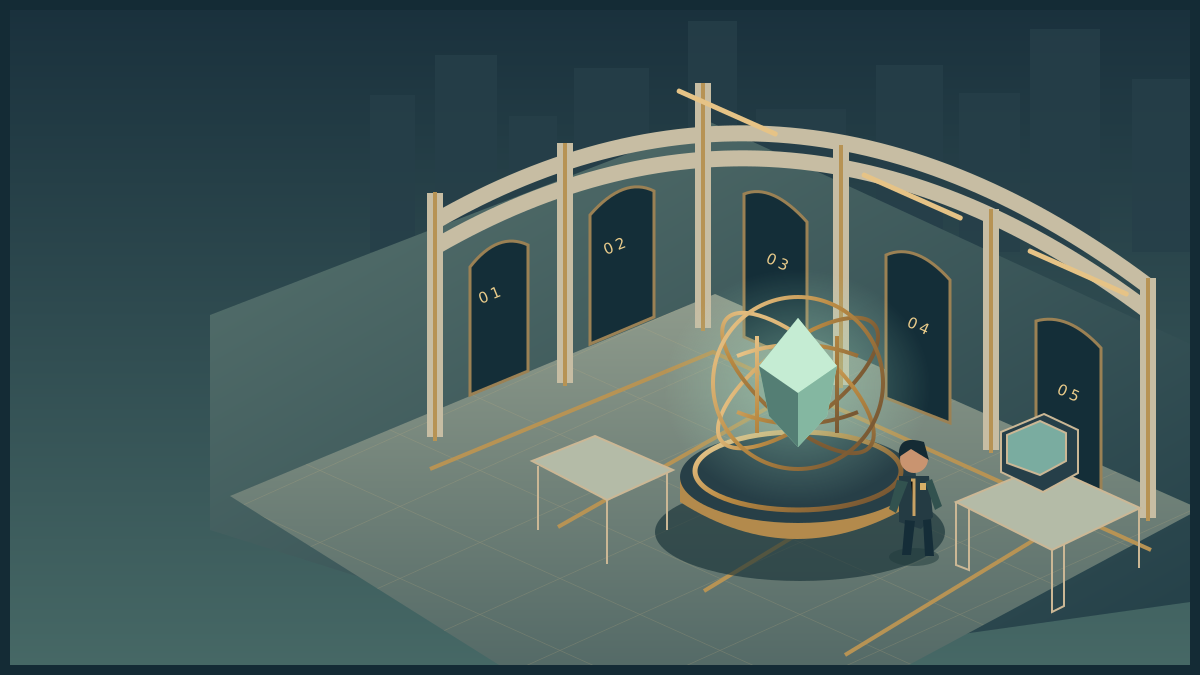
Academy atrium
Explore the room. Inspect its instruments. Discover the obstacle, use your skills and complete the operation.
Loads on request · all equipment also has accessible controls belowHow to move, inspect and complete the activity
Use WASD or arrow keys to walk. Press E near an instrument to examine it. Inspect means read its details; Use equipment performs the action named in its status message. The task controls let you choose exact settings and test a solution. Once verified, use the mission station to put it into effect, collect the resulting evidence or cargo, follow its checkpoints and complete the handover at the receiving station.
Scroll over the scene or use Zoom + / Zoom − for a closer or wider view. Click and drag to turn whenever the cursor is free. Choose Fullscreen mission to keep the scene, mission instructions and all task controls together. Fullscreen starts with a free cursor so you can scroll the panel and choose options. Press X or Lock cursor (X) to turn by moving the mouse. Press X again to free the cursor and return to click-and-drag turning. Tab also frees the cursor. The X shortcut stays inactive while typing or choosing a form value. Press Escape or Exit fullscreen to return to the page. On touchscreens, drag to look and use the zoom buttons. If your browser cannot enter native fullscreen, the mission expands to fill its window.
The activity below also works without 3D. Follow its objective and feedback, then save your record. Walking around the scene is optional and does not complete the lab by itself. The campus worksheet provides a printable alternative.
DIRECT ACCESS / ALL TWELVE WEEKS
Choose a capability.
WATCH · INSPECT · TAKE CONTROL
See a complete worked example.
Sixteen guided 3D scenarios show the learning process and a finished submission. Follow the coach, then take over the apparatus yourself.
Enter the demonstration studio ↗YOUR SKILLS PASSPORT
Keep what you learn.
Practice stays in this browser. Export it to take your work with you.
Which save or export should I use?
- Record attempt in skills passport on a lab keeps that phase's actions and your explanation. Save it before switching to a different phase.
- Export backup JSON downloads a backup you can bring back with Restore backup.
- Export learning record creates a readable account for your portfolio. Print record prepares the same kind of evidence for printing.
- Export assessment record inside a mission keeps that trial's decisions and debrief. Keep your written assessment explanation with it.
These controls keep your work; they do not submit it to an institution. Export a backup before changing browser, clearing browser data or resetting the passport.
Preparing your saved progress…
SLOP UNIVERSITY · THE ACADEMY OF IMPOSSIBLE SKILLS
An original fictional course. Progress records practice, not academic certification.