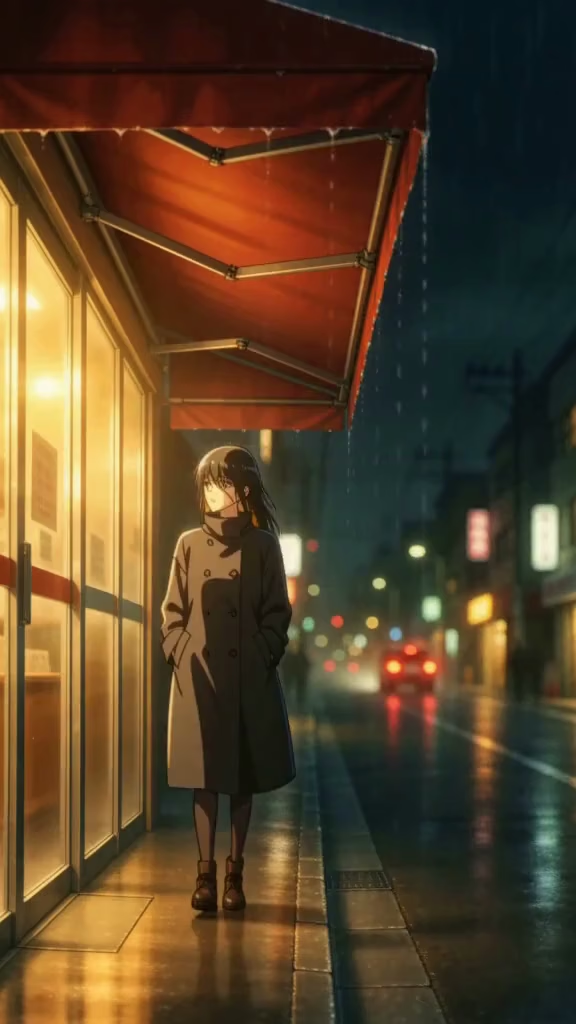
The backlot
Most of the doors go where their names go. The Studio's opens into the room the recordings came off, with the walls it was shot against. The doors are the six links at the top of every page, in the same order. Every frame in the machine room is a file the rig recorded; nothing here is generated in the browser.
The doors
Door 1 of 6
Lectures
The lectures corridor is behind this one, and it keeps its own way out to
/lectures/.Twelve teaching weeks, four phases, one technique added to the rig each week. This one opens into the corridor they run down; every door off it is that week's page.
Door 2 of 6
Dailies
Goes to
/sessions/.The Wednesday screening: what to bring, and what gets said about it.
Door 3 of 6
Studio
The machine room is behind this one, and it keeps its own way out to
/studio/.The machine the recordings came off. Push this one and you are inside it.
Door 4 of 6
Assessment
Goes to
/assessments/.Ten pieces, weights summing to 100, each asking for something an earlier week produced.
Door 5 of 6
People
Goes to
/people/.Who teaches the course, and when they are in the room.
Door 6 of 6
Policies
Goes to
/policies/.Late work, equipment and compute, academic integrity, and where to get help.
The machine room
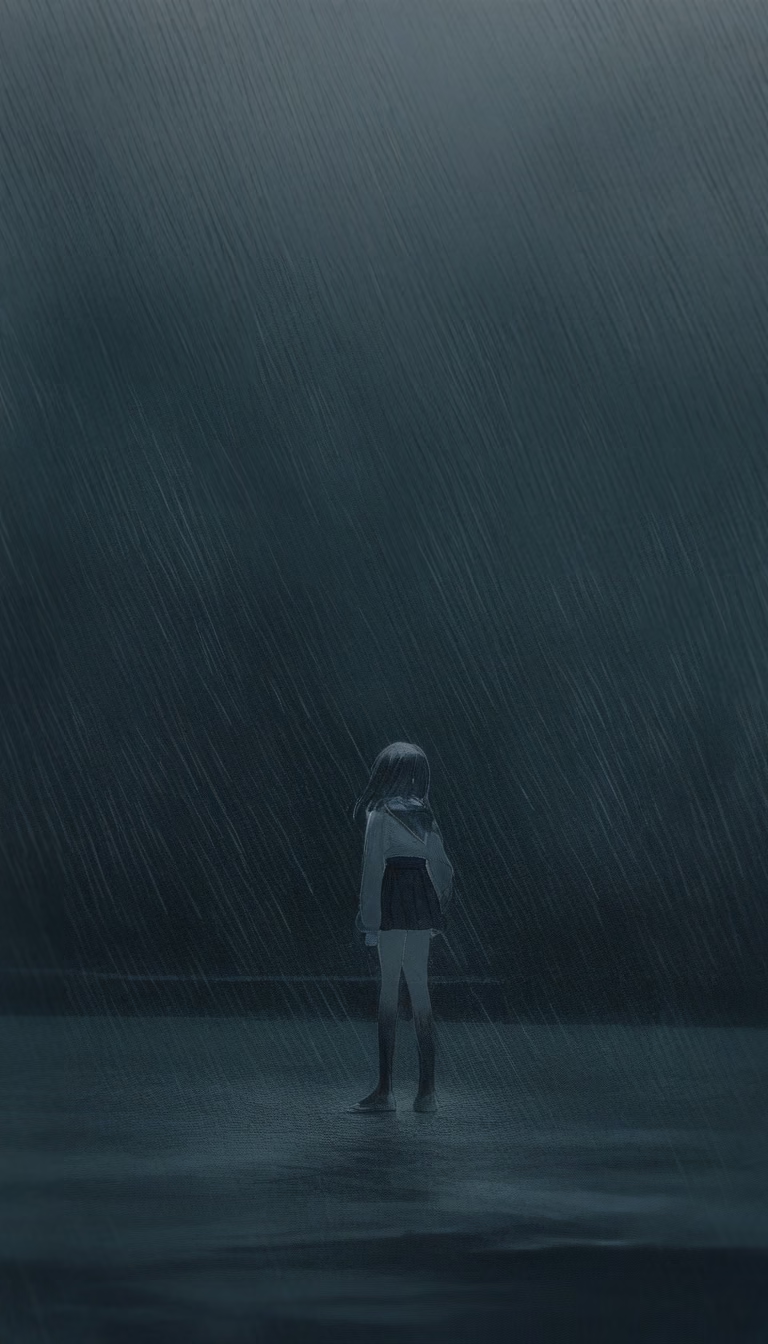
One room, one machine, and the files that came off it. The prompt ladder from week 5 runs along the front wall, the continuity references from week 8 down one side and week 2's five seeds down the other, and the monitor on the desk is showing the week 7 workflow graph. Nothing here is generated in the browser: every frame is the file the rig recorded.
The same files, with the inputs that produced them and the whole rig around them, are on the Studio page.
Front wall — week 5's prompt ladder
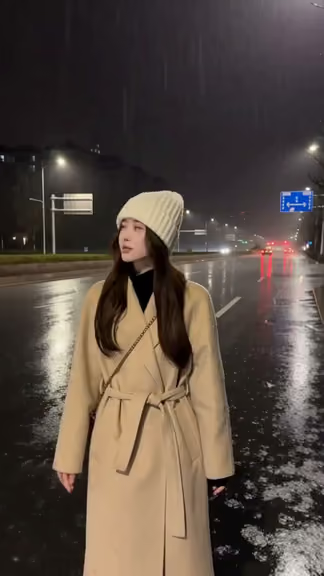
one line — One line gives the model everything to invent: watch the camera wander and the framing change. 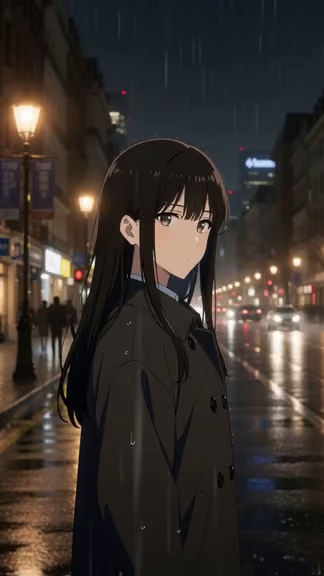
subject + action — Naming the subject and the action locks the pose; the light and the camera are still free. 
four sentences — The four-sentence shape pins style, motion, camera and continuity - watch the shot stop cutting. 
four sentences + beats + negatives — Timecoded beats put the blink and the gust where you asked; check 00:02 and 00:03.5. 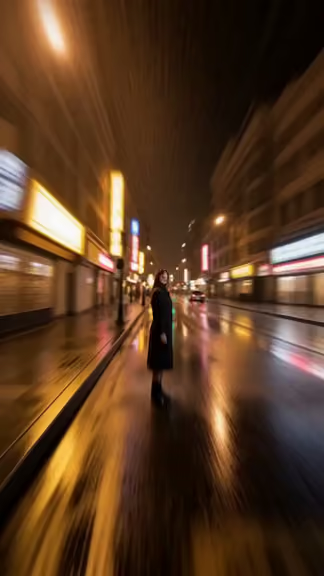
contradictory prompt (counter-example) — Every camera move and every look contradicts the last one - watch the model pick for you.
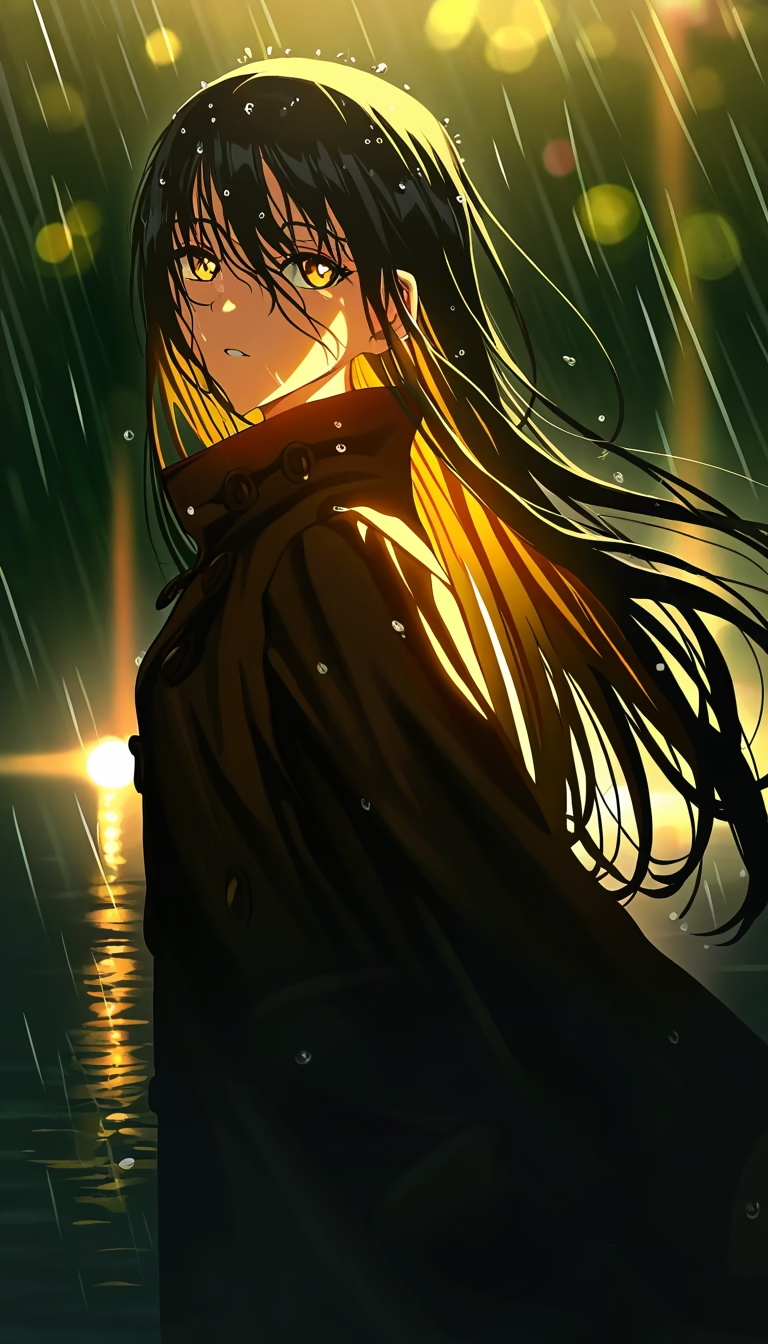
Left wall — week 8's continuity references
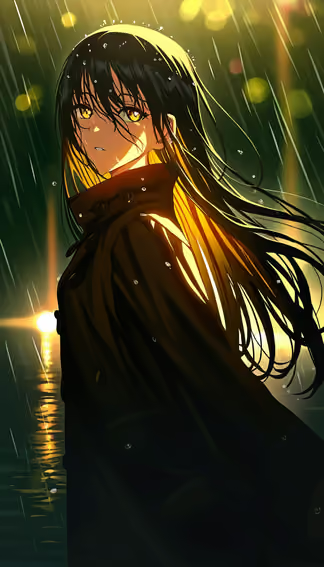
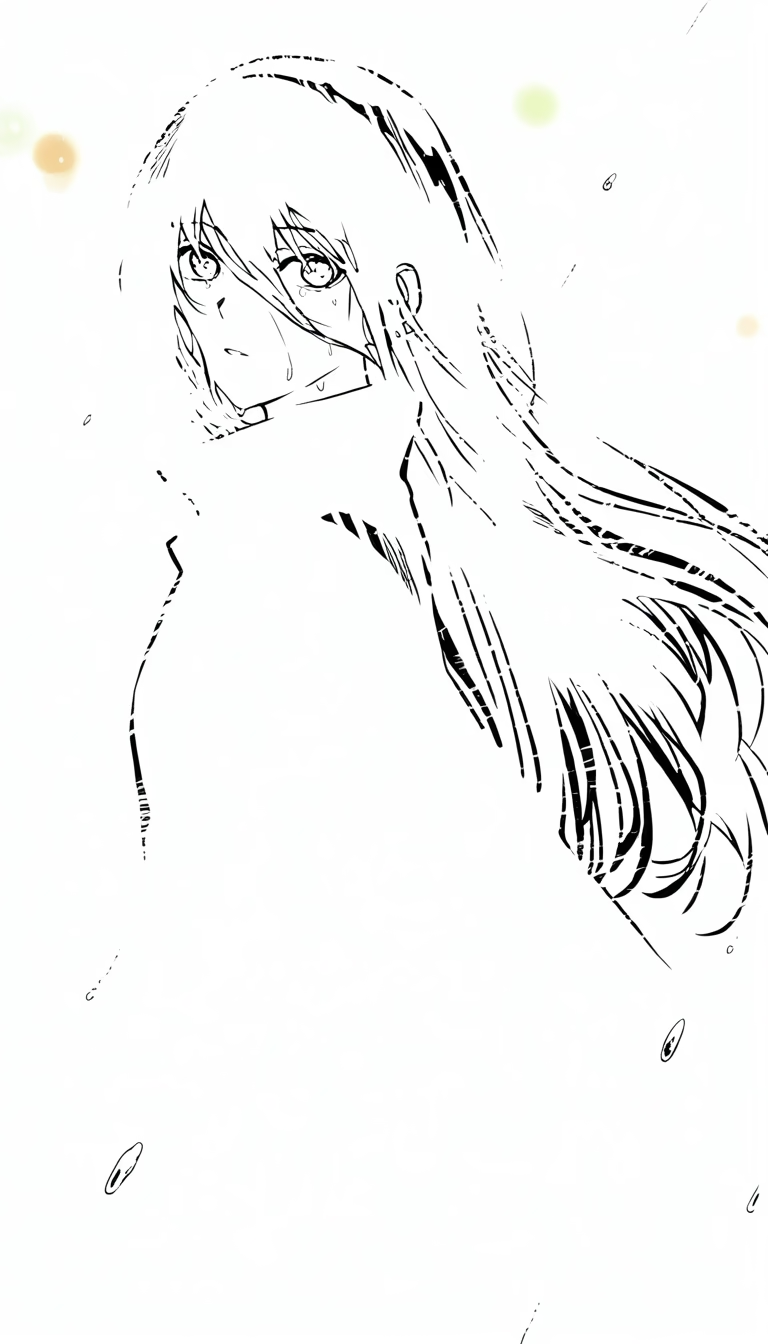
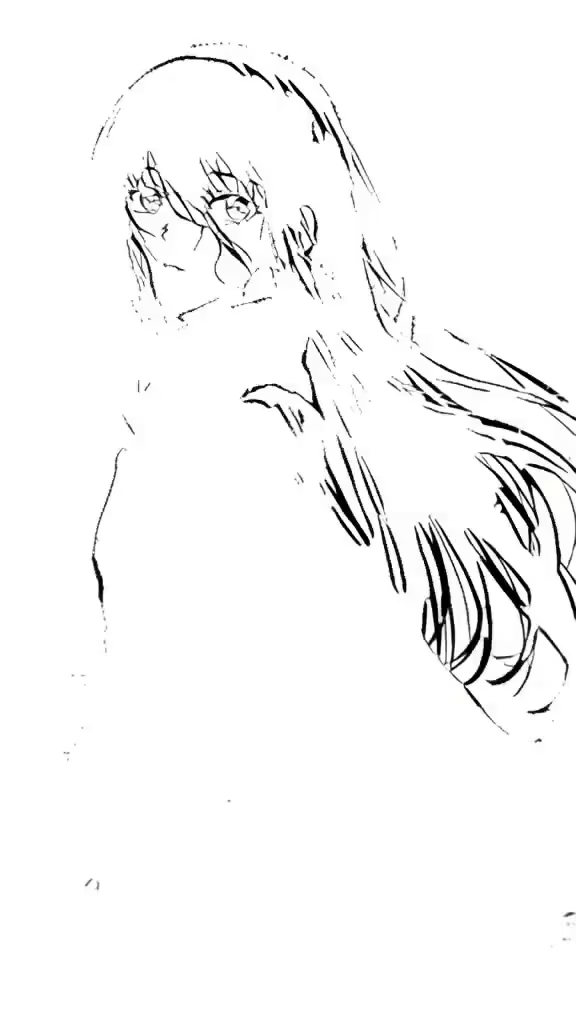
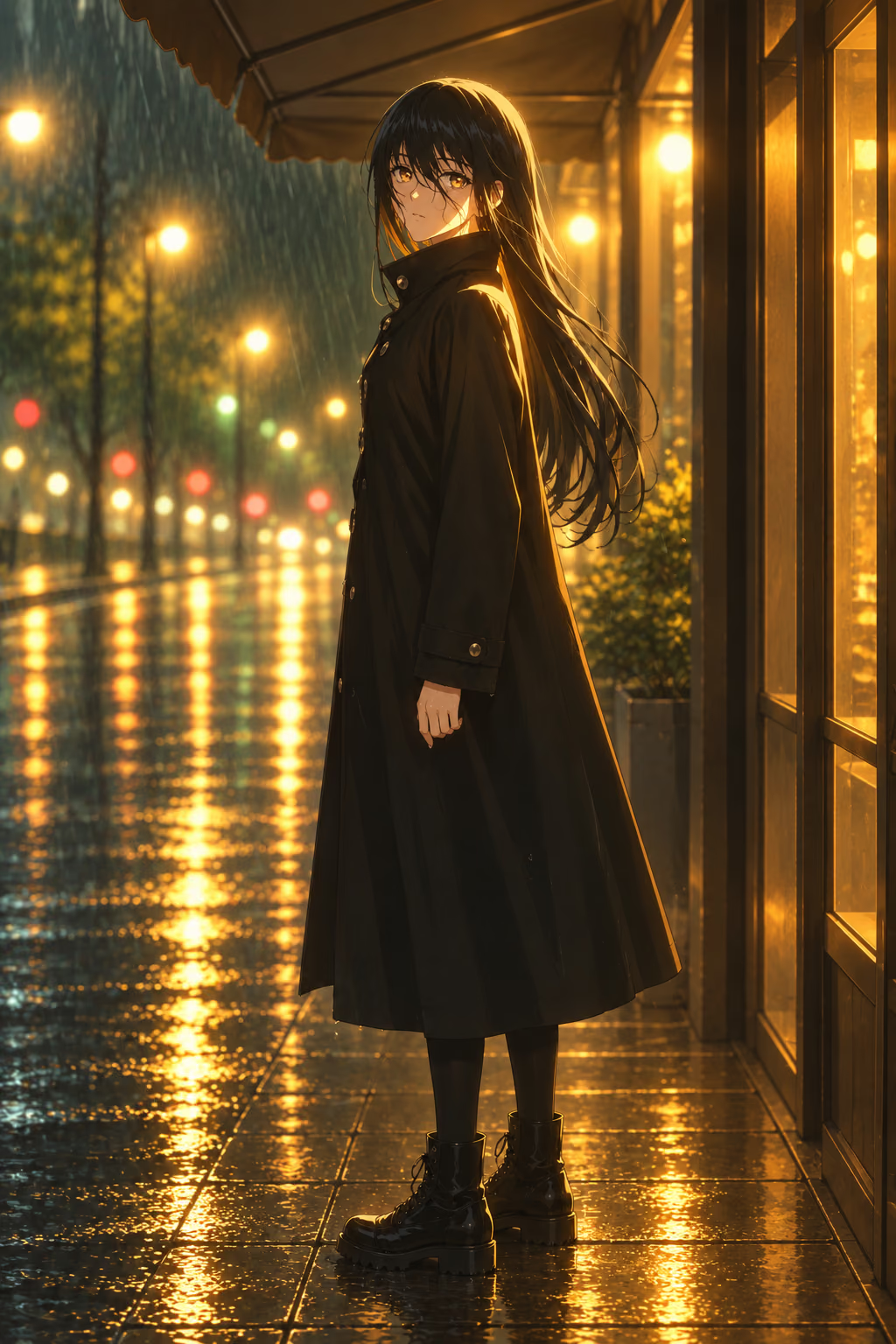
The face reference: the one still every continuity run starts from. 
Full body, wet — added at rung 2, and the coat stops changing between takes. 
Half dry: the state between the two the model otherwise invents. 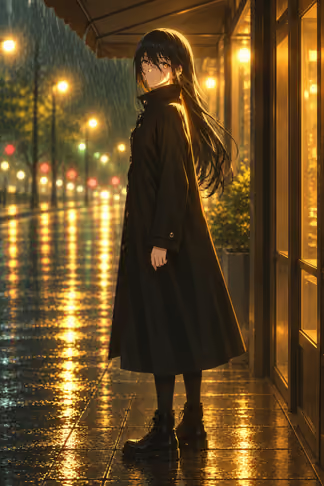
Full dry — rung 3 hands the model both ends of the state it has to hold. 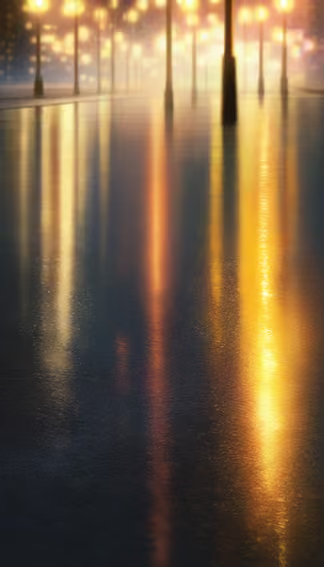
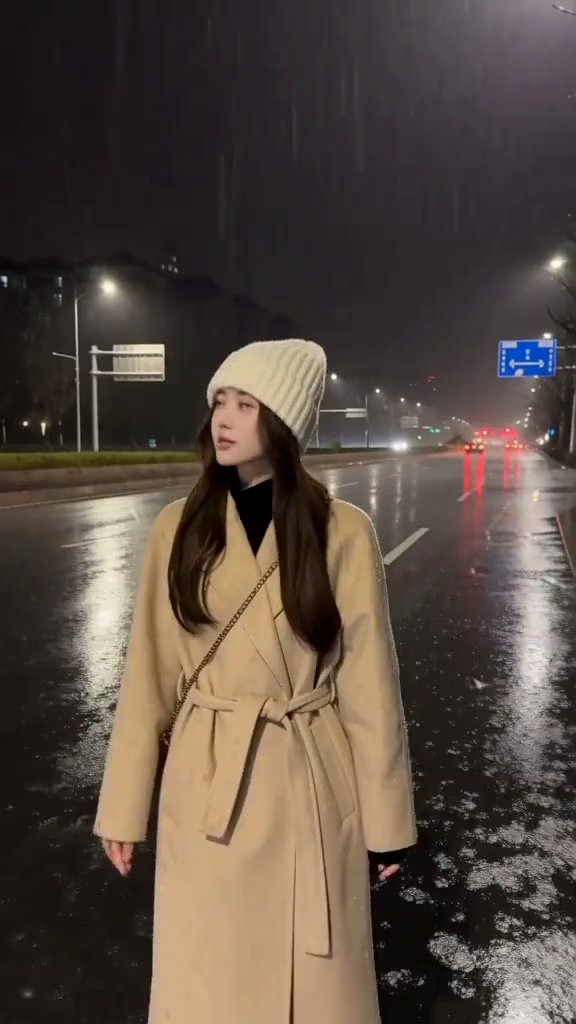
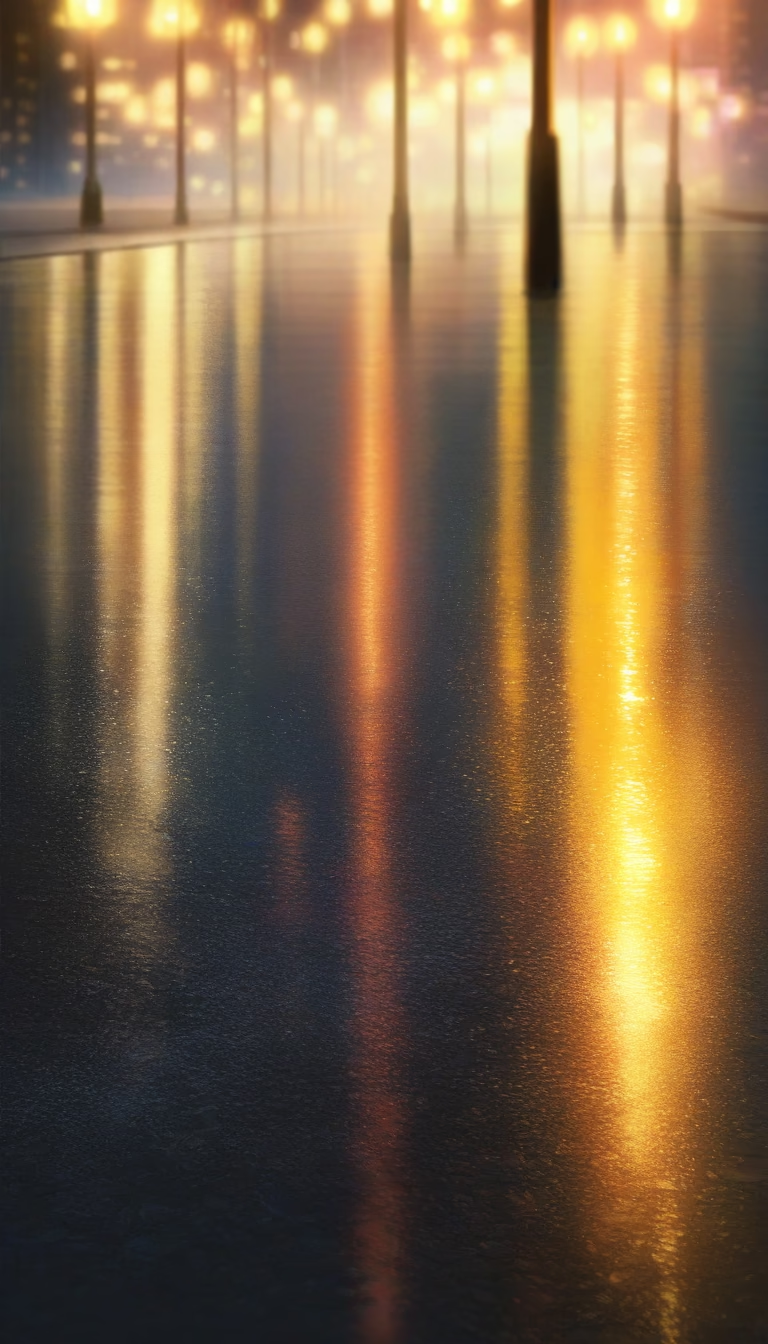
The scene reference added last: the street the figure has to stay standing in.


Right wall — week 2's five seeds

seed 66740 — one prompt, five seeds. 
seed 66741 — one prompt, five seeds. 
seed 66742 — one prompt, five seeds. 
seed 66743 — one prompt, five seeds. 
seed 66744 — one prompt, five seeds.





The desk — week 7's workflow graph
official T2V template — the graph, saved, not just the frame it produced.
The lectures corridor
Twelve teaching weeks, twelve doors. Odd weeks on the left, even weeks on the right, and the further in you walk the later in the course you are, until week 12 faces you on the end wall. A door with something recorded behind it shows it; a week that has not been shot yet keeps the same frame with nothing in it, which is the truth about that week. Push one and you are on that week's page.
Every week down here has a page of its own, and all of them are listed on the Lectures page.
The doors, in teaching order
Door 1 of 12 · on the left as you walk in
Week 1: The Rig
Week 1 has not been shot yet. Its door keeps the same frame every week that did shoot hangs, with nothing in it — an empty slot in a row of full ones, rather than a door that is broken. Door 2 of 12 · on the right as you walk in
Week 2: The Loop

Behind the window: the frame week 2 opens on, and the clip it is a frame of. Door 3 of 12 · on the left as you walk in
Week 3: Text to Image
Behind the window: the still week 3 opens on. Door 4 of 12 · on the right as you walk in
Week 4: Image to Image
Behind the window: the still week 4 opens on. Door 5 of 12 · on the left as you walk in
Week 5: Text to Video
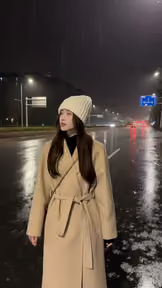
Behind the window: the frame week 5 opens on, and the clip it is a frame of. Door 6 of 12 · on the right as you walk in
Week 6: Image to Video
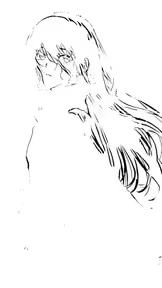
Behind the window: the frame week 6 opens on, and the clip it is a frame of. Door 7 of 12 · on the left as you walk in
Week 7: Your Own Workflow

Behind the window: the frame week 7 opens on, and the clip it is a frame of. Door 8 of 12 · on the right as you walk in
Week 8: Continuity
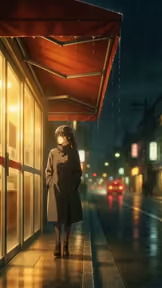
Behind the window: the frame week 8 opens on, and the clip it is a frame of. Door 9 of 12 · on the left as you walk in
Week 9: Script and Storyboard

Behind the window: the frame week 9 opens on, and the clip it is a frame of. Door 10 of 12 · on the right as you walk in
Week 10: Production, Week One
Week 10 has not been shot yet. Its door keeps the same frame every week that did shoot hangs, with nothing in it — an empty slot in a row of full ones, rather than a door that is broken. Door 11 of 12 · on the left as you walk in
Week 11: Production, Week Two
Week 11 has not been shot yet. Its door keeps the same frame every week that did shoot hangs, with nothing in it — an empty slot in a row of full ones, rather than a door that is broken. Door 12 of 12 · on the end wall, facing you down the corridor
Week 12: After Five Minutes
Week 12 has not been shot yet. Its door keeps the same frame every week that did shoot hangs, with nothing in it — an empty slot in a row of full ones, rather than a door that is broken.