Remote lab / public route
Log in
to the past.
The museum's SDF partnership keeps historic computing environments reachable beyond the building. A modern browser can become the doorway to machines, replicas and preserved software.
SDF Vintage Systems at the Interim Computer Museum
Currently offered remote systems include:
No emulator required
A browser is enough to begin.
SDF's browser terminal opens its real Vintage Systems menu. Guest access varies by machine; longer-term accounts are handled by SDF, not by this prototype.
Opens an external service operated by SDF Public Access UNIX System.
Recollections / system directory
Thirty doors into computing history.
Each entry pairs the real SDF host, operating system and hardware description with a compact reconstruction of its text interface. The previews are visual guides—not live emulators—and availability can change while machines are maintained.
30 environments displayed
Main menu
Time-sharing systems, mainframes, minicomputers and the public BBS.
UNIX systems sub-menu
Physical workstations and minicomputers alongside carefully maintained simulations.
Connection procedure
Three steps. No time machine.
The interface is deliberately spare. That is part of meeting a historical system on its own terms.
- 01
Open the menu
Launch SDF's browser terminal, or use a local SSH client if you already know the command line.
- 02
Choose a guest system
The menu describes currently available environments. Availability changes as machines are maintained.
- 03
Read before typing
Follow the welcome text and guest instructions. These are shared historical systems, not disposable sandboxes.
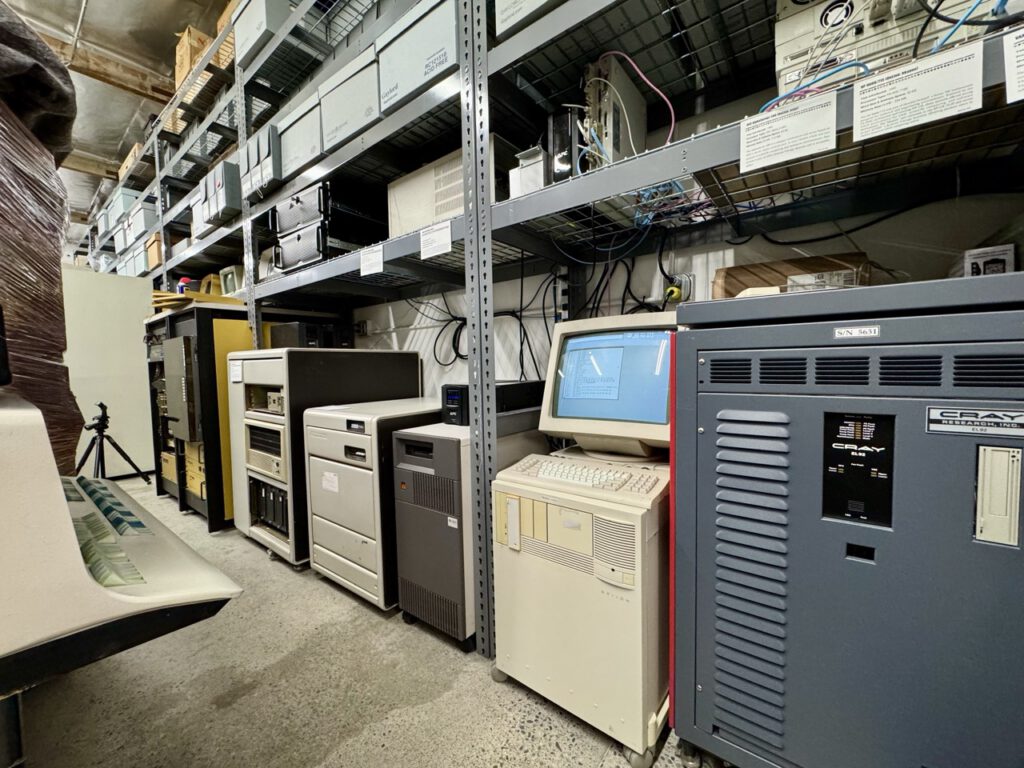
Real context
Documentation and operating conventions matter as much as the prompt on screen.
Shared access
Remote availability turns a regional collection into an international learning resource.
Respectful use
Access exists because volunteers maintain the bridge between old systems and today's network.